Every ticket is moderated
- Checked before it is published
- Order number and ticket file
- Price and duplicate checks
- The same order can’t be listed twice
The buyer pays, but the money stays with Ticketay until the event ends, plus 24 hours. If the ticket fails, the money goes back.

Resale happens in Telegram channels and private messages, and in every one of those deals someone is risking their money.
The first one gets in. The others are left with no concert and no money.
The money went to a stranger, and you only find out whether the ticket is real at the gate.
Scalpers buy up popular tickets early, and fans are left with no choice and no protection.
Ticketay has a rule against each of these: held payments, moderation and a price cap.
Real screens from the app, from the listings to the payout.
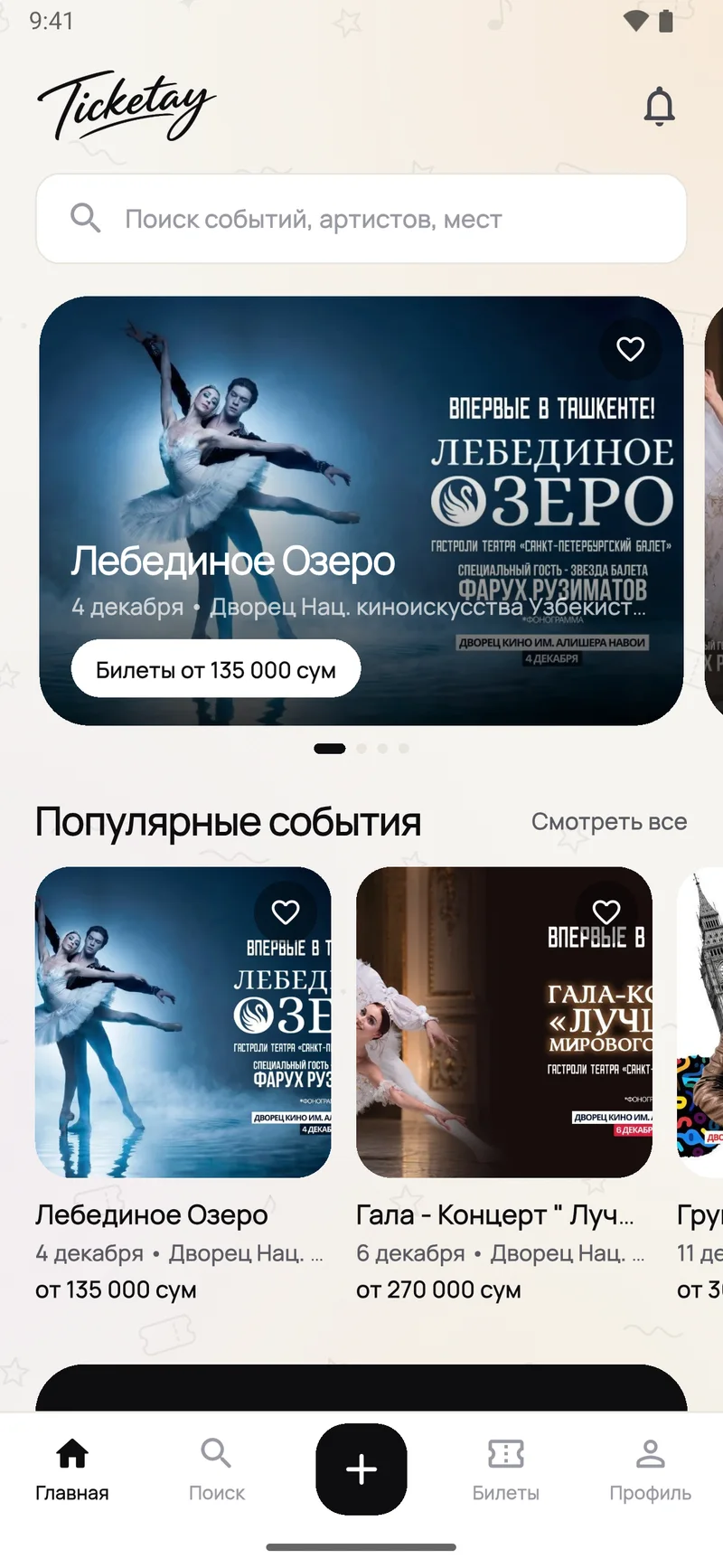
Listings: concerts, stand-up, theatre and sport with tickets for sale.
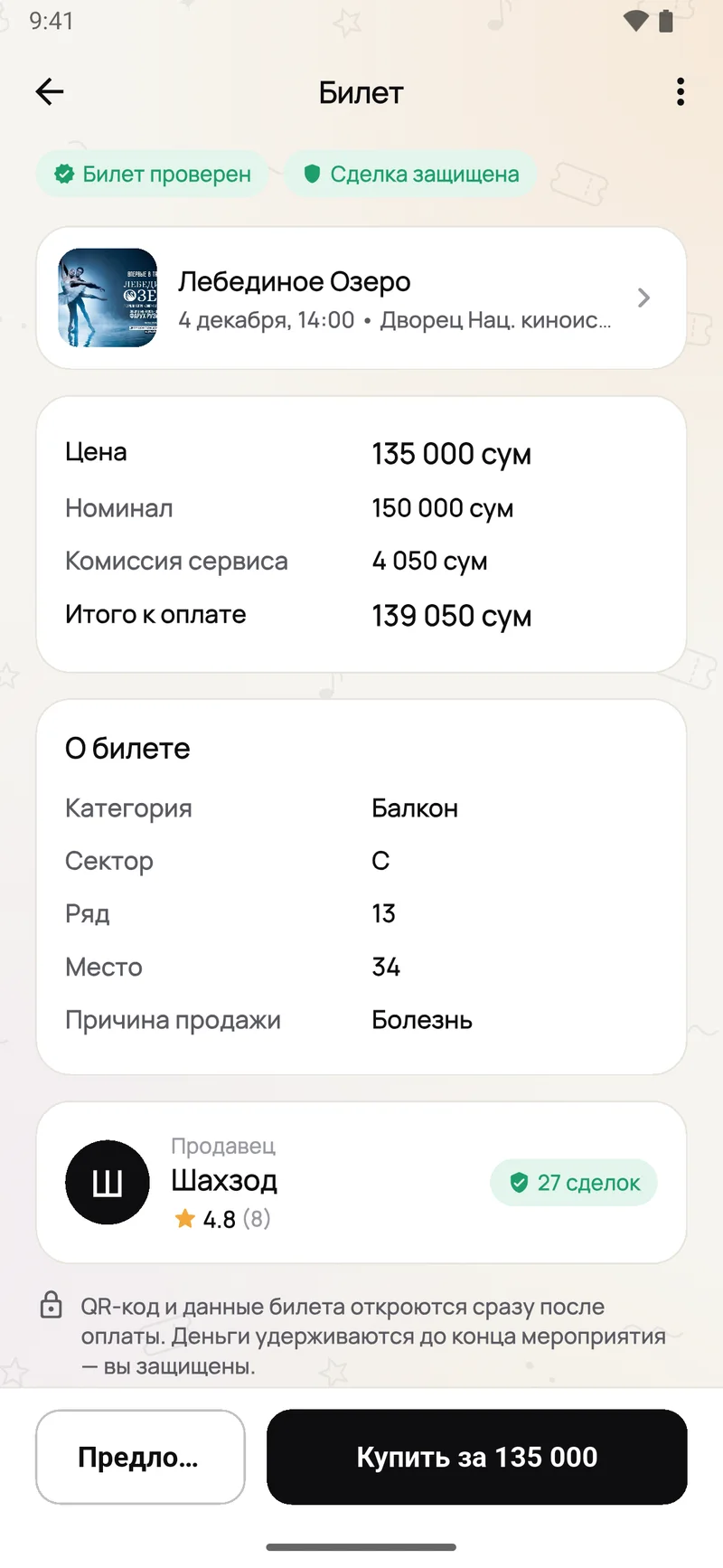
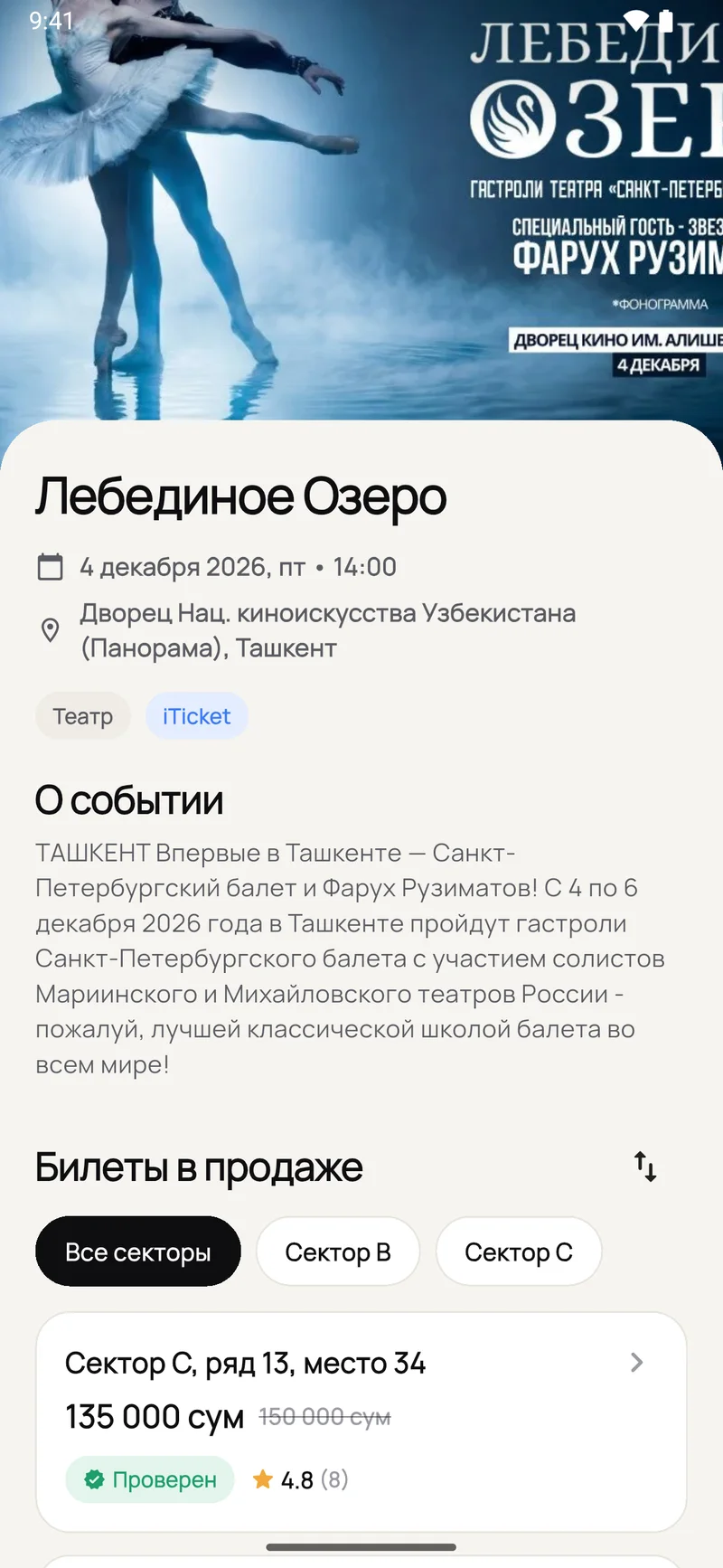
Every ticket on sale: section, row, price and the seller’s rating.
Price, seat and seller. The QR stays hidden until you pay.
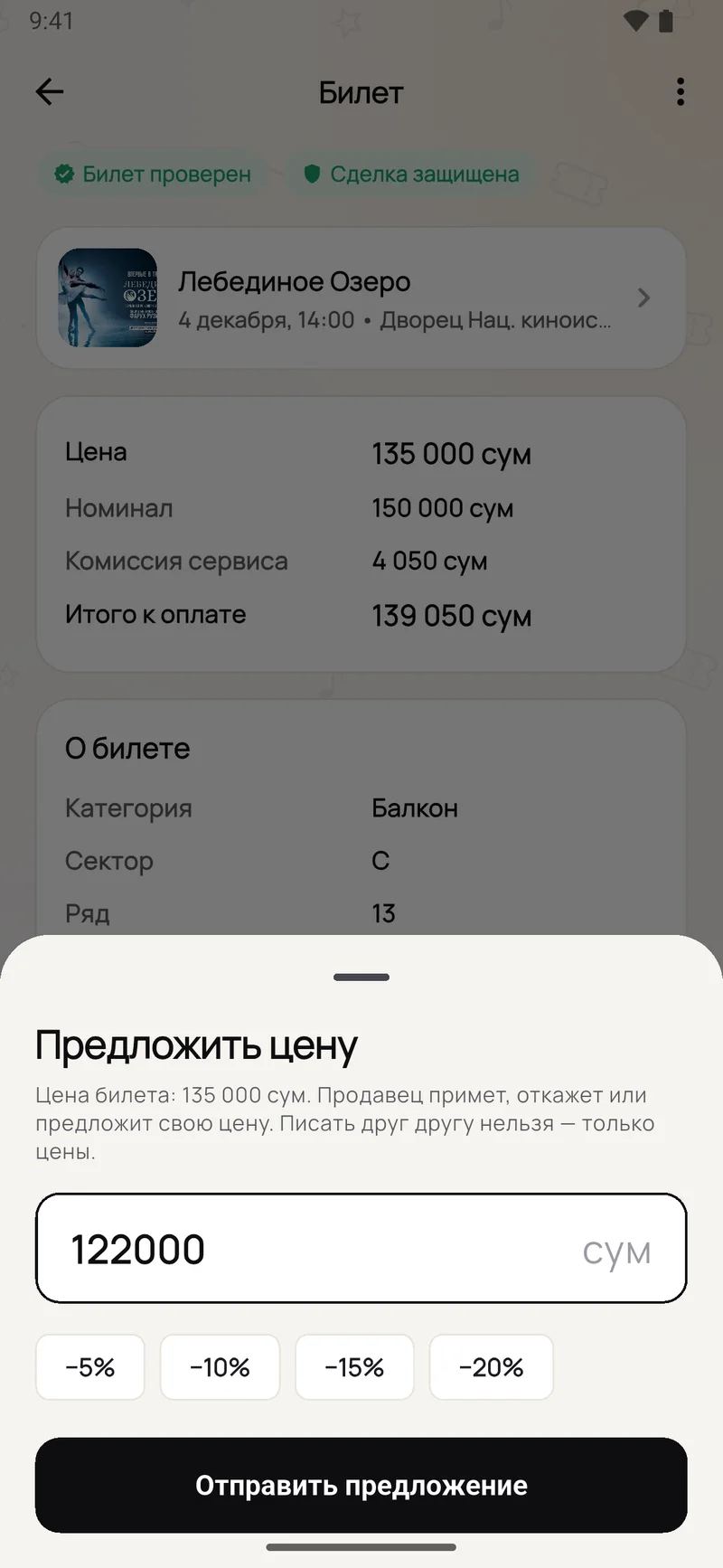
Suggest your price with a button — no chat.
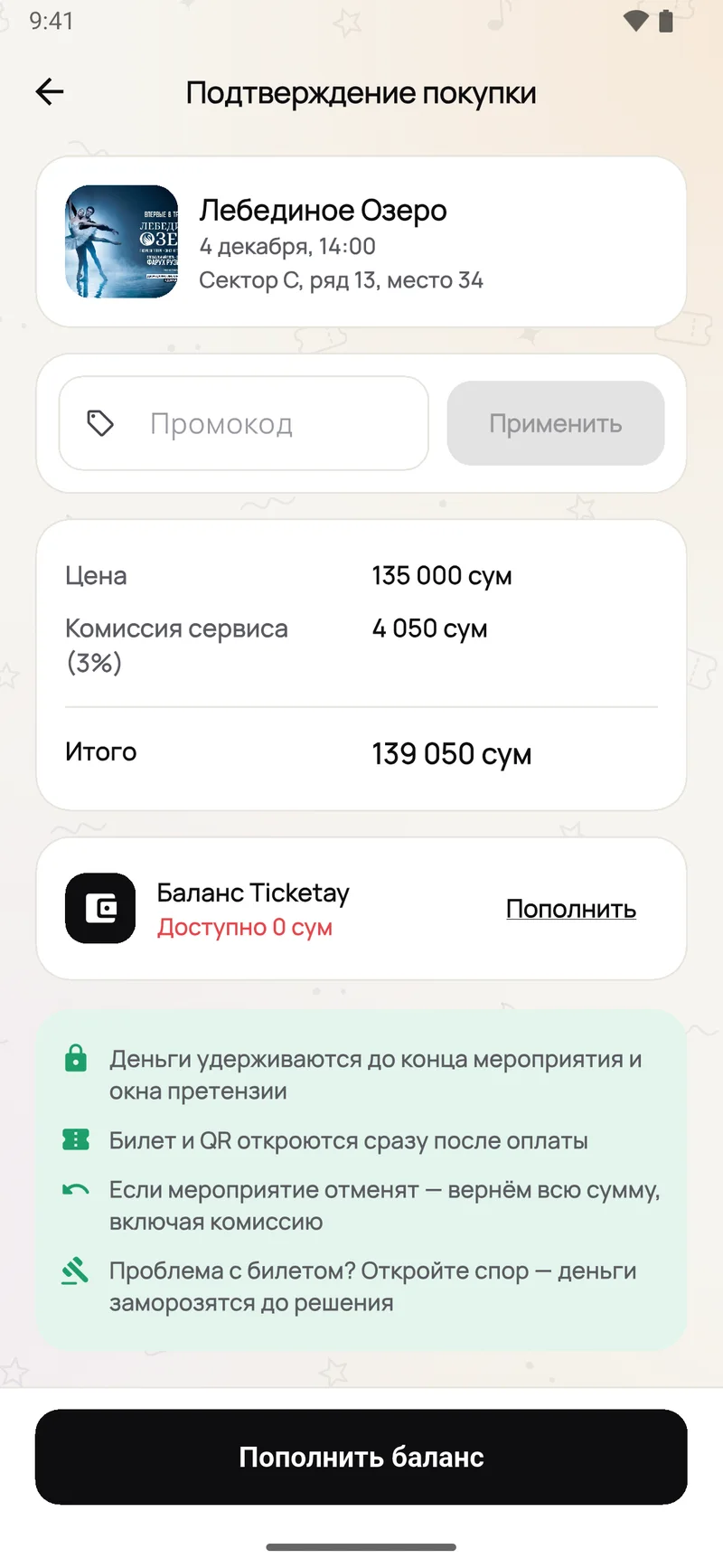
The total with the 3% fee and a promo code field.
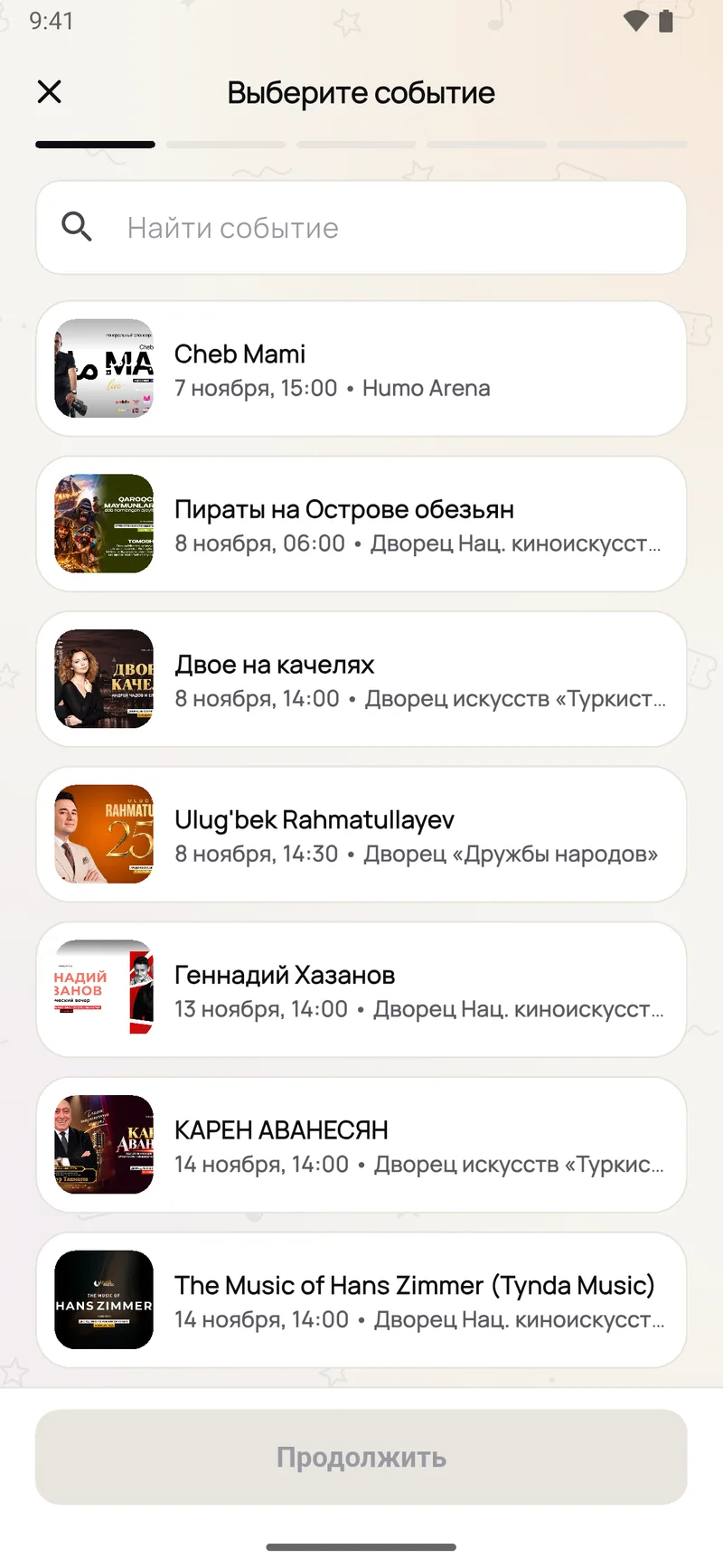
Start with the event, then the seat, face value, price and ticket file.
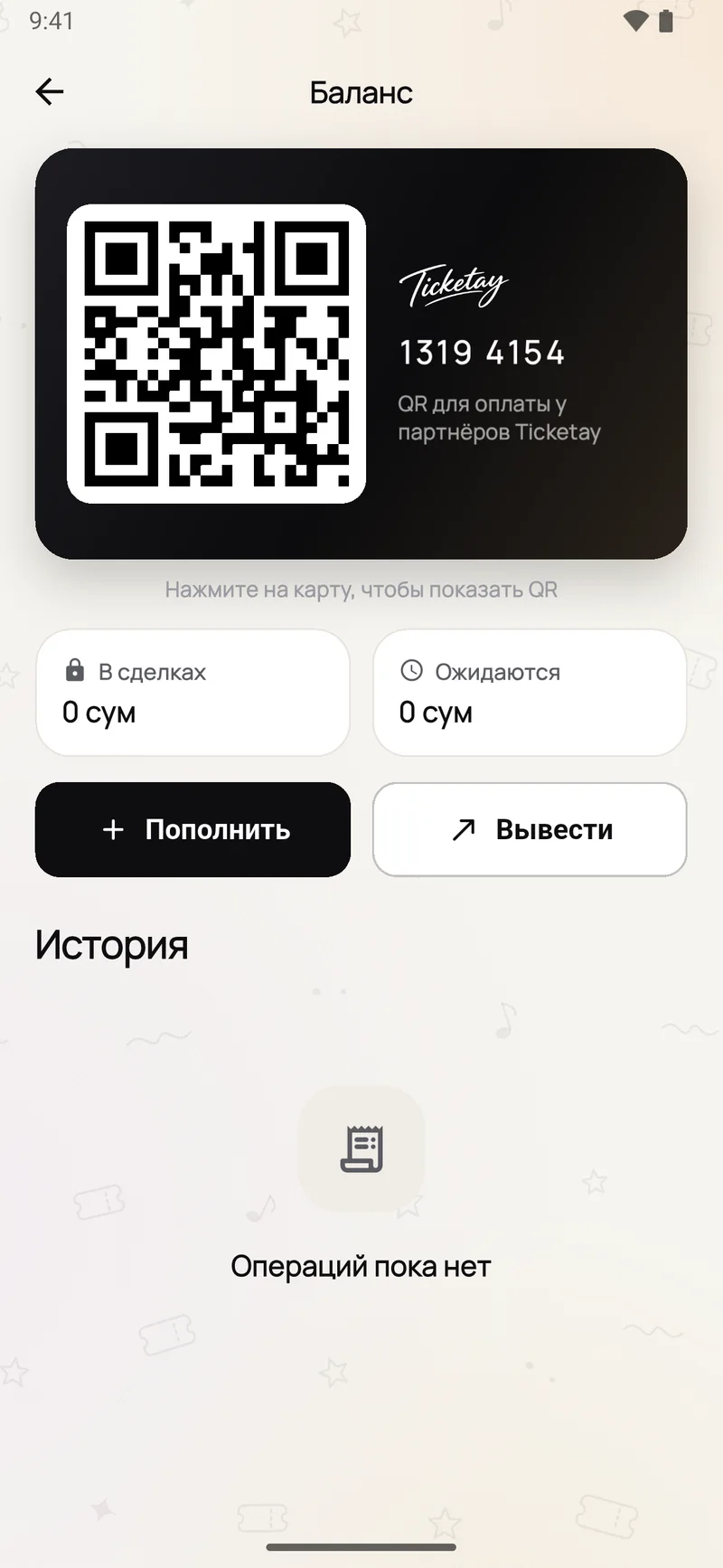
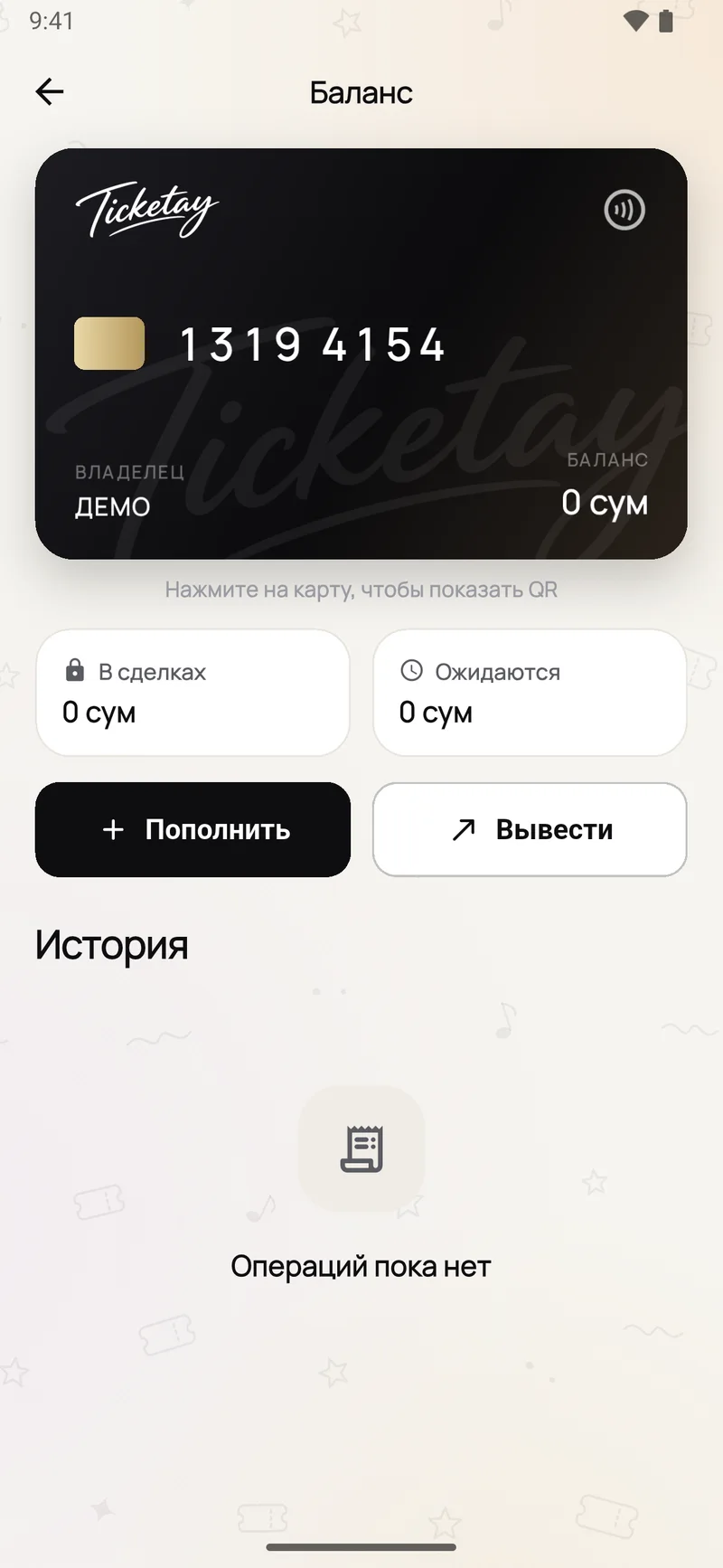
The Ticketay card: balance, money in deals and payouts on the way.
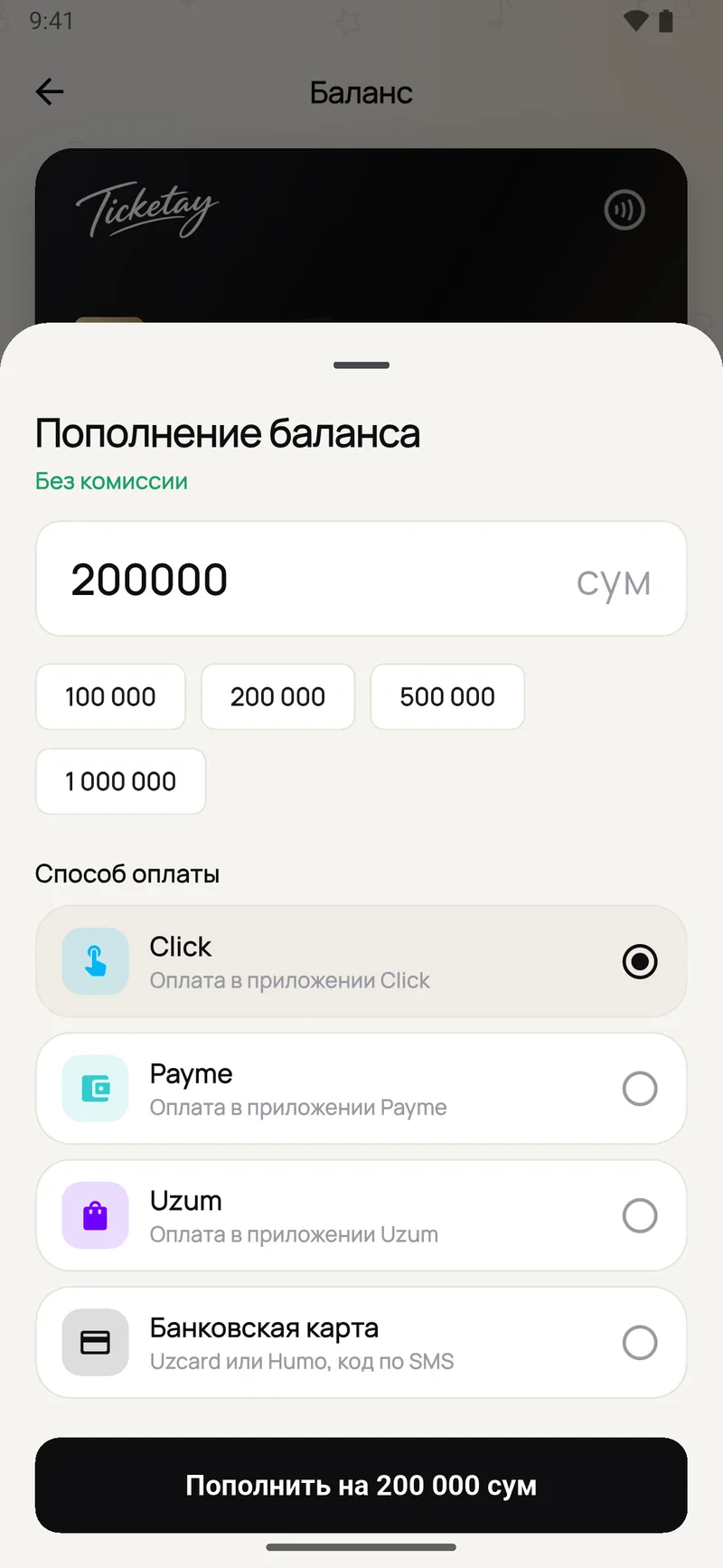
Click, Payme, Uzum or a card — free of charge.
One app for both sides of the deal: four steps for the seller, four for the buyer.
Find the concert in the catalogue. Not there? Suggest it and an admin will add it.
Section, row, seat and face value. The app shows what you will receive straight away and won’t accept a price above the cap.
Only the moderator and your future buyer see the order number and ticket file. Once checked, the listing goes live.
24 hours after the event ends, if there is no dispute, the money lands in your balance. Withdraw it to your card.
Search and filter by date, city and price. No tickets yet? Turn on “Notify me when one appears”.
The listing shows the price, face value, fee and the seller’s rating. Haggling happens with buttons, not chat.
Top up via Click, Payme, Uzum or a card, free of charge. The money is held, not sent to the seller.
The ticket file opens in “Tickets” right after payment. If it fails at the door, open a dispute.
The seller is paid only after the event. Nobody gets instant payouts, so neither side can cheat the other.
The buyer pays the price + 3%. The ticket is locked, so it can’t be bought twice.
The amount is held. The buyer can already see the ticket and QR.
Reminders 24 and 2 hours before. The buyer goes in.
The claim window: if the ticket didn’t work, the buyer opens a dispute.
No dispute — the seller receives the price minus 7% to their balance.
The buyer opens a dispute before the claim window closes, with a description and 1 to 5 pieces of evidence. The money is frozen and the seller can respond. A moderator decides: refund the buyer in full or pay the seller. A false dispute earns a strike; after three, no more disputes.
The buyer gets back everything they paid, price and fee, to their balance. The seller is told to return the ticket to the organiser under the organiser’s rules.
The payout moves with the date. The buyer has 72 hours to keep the ticket or take a full refund.
Six rules that apply to every deal, no exceptions.
You get a card with an 8-digit number when you sign up. Pay for tickets with it and receive payouts on it.
Two fees, both shown before the deal. Nothing else to pay.
on top of the ticket price, shown on the listing before you pay.
3%from the payout, only once the ticket sells and the event has passed.
7%For example, a 320,000 UZS ticket: the buyer pays 329,600 and the seller receives 297,600.
Your tickets are already being resold — in Telegram, out of your control and with nothing in it for you. Let’s make that market official.

24 hours after the event ends, if the buyer hasn’t opened a dispute. The money lands in the balance automatically and can be withdrawn to a card.
Open a dispute in the app before the claim window closes — that is the end of the event plus 24 hours. Add a description and 1 to 5 pieces of evidence. The money is frozen and a moderator decides.
You get back everything you paid, fee included, to your balance. If the event is rescheduled, you have 72 hours to keep the ticket or get your money back.
Up to face value plus 20%. The app won’t accept a price above the cap, which is why there are no scalpers on Ticketay.
So the deal never moves to private messages, where nothing protects you. Haggling uses buttons: the buyer offers a price, the seller accepts, declines or counters.
With Click, Payme, Uzum, or an Uzcard or Humo card with an SMS code. Top-ups are free, from 10,000 to 50,000,000 UZS.
The buyer pays 3% on top of the price and 7% is taken from the seller’s payout. Top-ups are free and withdrawals to a card cost 1%. Nothing else.
Once paid, a deal can’t be cancelled just because you changed your mind. Money comes back through a dispute, a cancellation or a rescheduled event.
Enter your number and the app opens the Ticketay bot in Telegram. Share your number with one tap and the bot replies with a 4-digit code.
List a ticket in a couple of minutes, or find a seat at a sold-out show.
Point your phone camera here to open Google Play